

Before you try to hit that transfer button, you need to understand what you actually bought. A standard ticket is just a permit to enter the venue. However, VIP Packages is a bundled offering that includes a seat, a set of perks (like backstage access or merchandise), and often a physical credential. Because these packages involve more than just a seat, the security risks for the venue are higher.
When you buy a standard ticket through Ticketmaster is a global ticketing platform and event management company that handles digital distribution for most major venues, the system only needs to verify that the seat is filled. With a VIP package, the venue needs to know exactly who is entering the lounge or meeting the artist. This is why many VIP tickets are marked as "non-transferable." They aren't just selling a seat; they're selling a specific, limited-access experience tied to a verified identity.
You've probably opened your app, selected your luxury seats, and noticed the transfer option is missing or disabled. This happens because of a setting called "Transfer Restrictions." These are decided by the event organizer or the artist's management, not by the app itself.
For example, if you're attending a high-demand tour like Taylor Swift or Beyoncé, the risk of ticket scalping is massive. To stop people from buying VIP packages and flipping them for thousands on the secondary market, organizers lock the ticket to the Ticketmaster Account used for purchase. In these cases, the digital ticket is practically a permanent resident of your account. If you try to send it to a friend, the system will simply block the request because the "transfer window" is closed or nonexistent for that specific tier.
| Feature | Standard Ticket | VIP Package |
|---|---|---|
| Transfer Button Availability | Usually Available | Often Disabled |
| ID Verification | Rarely Required | Commonly Required |
| Resale Options | Open Market / Fan-to-Fan | Highly Restricted |
| Physical Credentials | None | Lanyards, Badges, Gifts |
Even if you manage to transfer the digital ticket, there is a second hurdle: the physical gear. Most VIP packages come with a "Welcome Pack" or a lanyard that grants you entry to the VIP lounge. These are often mailed to the billing address of the original purchaser.
If you're the one receiving a transferred VIP ticket, you might find yourself at the venue with a valid QR code but no wristband. Some venues are lenient and will let you pick up your gear at the box office with a photo of the original buyer's ID. Others are strict. If the terms state that the "original purchaser must be present to claim credentials," then transferring the digital ticket is effectively useless for the perks. You'll get into the show, but you won't get into the lounge.
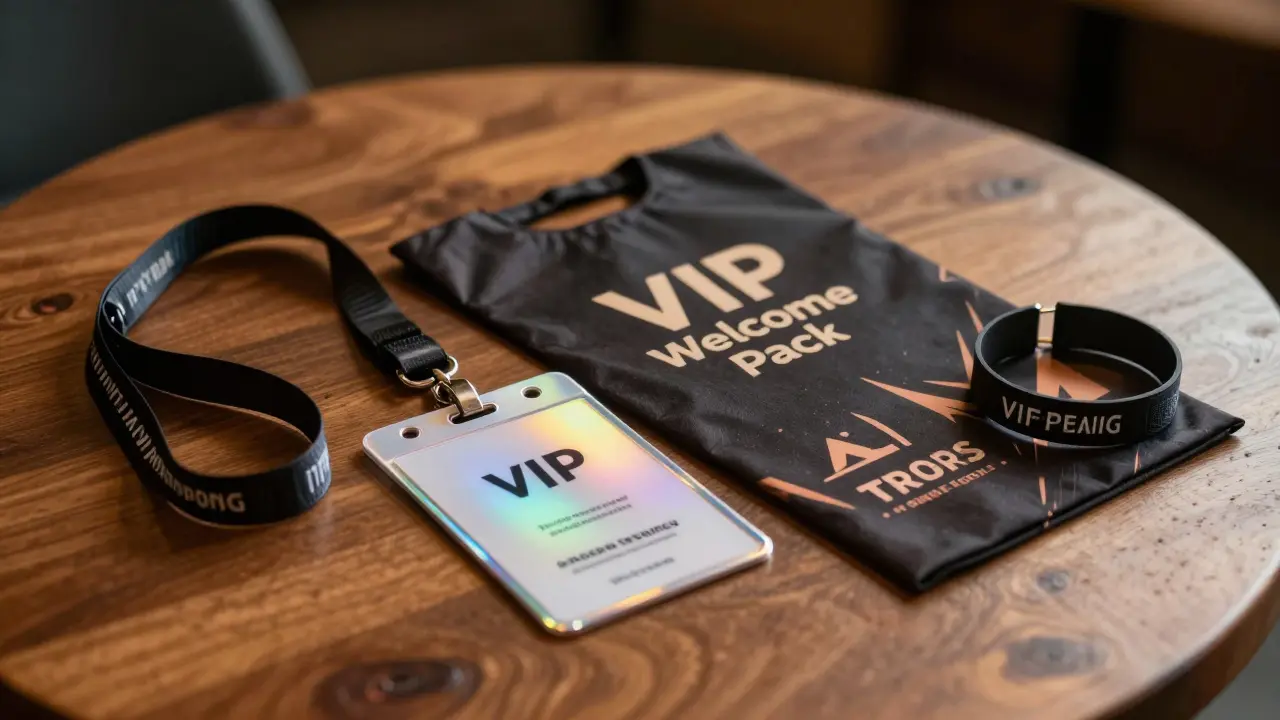
If you're stuck with a VIP package you can't use and the transfer button is dead, you have a few options. First, check the "Fan-to-Fan Marketplace." This is a sanctioned way to sell tickets within the platform. If the organizer has enabled it, you can list your VIP package there. The system handles the transfer and the payment, ensuring the new buyer is verified. This is the only 100% safe way to move a restricted ticket.
If the marketplace is also disabled, your next bet is contacting the Event Organizer is the entity responsible for planning and managing the logistics of the concert, such as Live Nation or AEG. While they rarely grant transfers for individual fans, they may have a formal process for name changes in extreme circumstances, such as medical emergencies. Be prepared to provide a doctor's note or official documentation; they won't change a name just because you found a cheaper flight.
The biggest mistake people make is trying to circumvent the system by sharing their account login. Giving your password to a friend so they can use the ticket on their phone is a gamble. Many modern apps now use "dynamic barcodes" that refresh every few seconds. If the venue staff notices the account name doesn't match the ID of the person holding the phone, they can deny entry. Moreover, sharing logins puts your personal and financial data at risk.
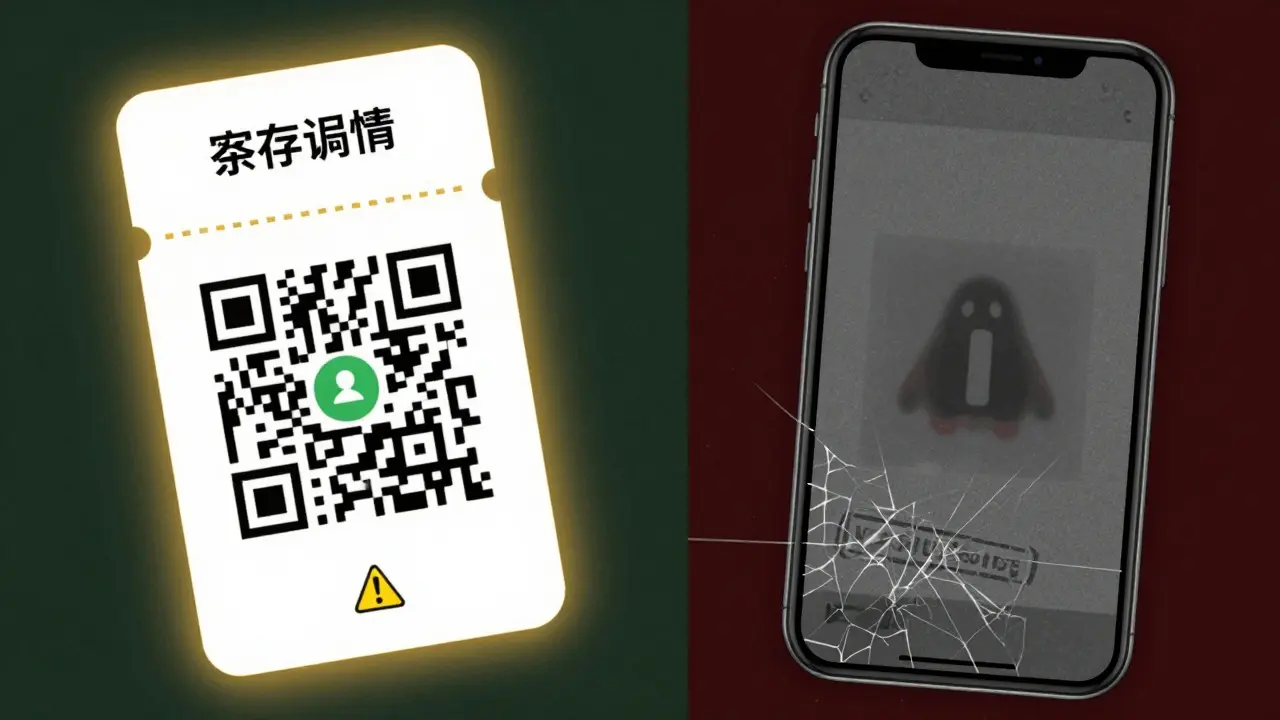
Another trap is buying VIP packages from third-party sellers on social media. Because VIP tickets are so heavily locked down, many "sellers" simply send you a screenshot of the ticket or a PDF. These are often worthless. A screenshot cannot bypass the security of a dynamic QR code, and it certainly doesn't grant you the physical credentials needed for lounge access. If the seller can't actually transfer the ticket through the official platform, you aren't buying a VIP experience; you're buying a digital picture.
Generally, no. If the transfer button is missing, the event organizer has explicitly disabled transfers for that ticket tier. Your only legal options are to use the official Fan-to-Fan resale marketplace if available or to contact the organizer for a rare exception based on medical or legal emergencies.
Not necessarily. In many cases, the digital ticket only grants access to the seat. Perks like meet-and-greets, lounge access, and merchandise are tied to a physical credential (wristband or badge) sent to the original buyer. Without those physical items, the new ticket holder is just a regular attendee in a fancy seat.
It is extremely risky. Because VIP packages are often non-transferable and require ID verification, many third-party sellers cannot actually deliver the experience. Avoid any seller who offers a PDF or screenshot instead of an official platform transfer.
You can still enter the venue and sit in your seat, but you will likely lose access to the VIP lounges and perks. You should head to the box office immediately upon arrival with your photo ID to see if they can issue a replacement, though this is not guaranteed.
No. Rules are set by the artist's management and the promoter. Some tours allow full transfers, while others lock tickets to the account for the duration of the tour to prevent scalping. Always check the specific terms of your purchase in the confirmation email.
If you're the one buying a VIP package as a gift, the safest move is to purchase the ticket using the recipient's own account. This avoids all transfer headaches and ensures the credentials are mailed to the right person. If you've already bought the ticket and realized you can't transfer it, don't panic. Reach out to the venue's guest services early-sometimes they can offer a workaround if you provide enough proof of the gift's intent.
Remember, the goal of these restrictions is to stop bots and scalpers, but it often catches real fans in the crossfire. The best way to protect your investment is to stick to official channels and read every line of the fine print before clicking "Purchase." If the terms say "non-transferable," believe them; the venue staff at the door are rarely the ones who will make an exception for you.



mark nine
honestly just buy the ticket in the other persons name from the start its the only way to avoid the headache
Michael Gradwell
imagine actually falling for this and spending money on a vip package in the first place lol some of you really love being ripped off
Wilda Mcgee
This is a fantastic breakdown of a super convoluted system! I've helped a few friends navigate this mess and the physical credential part is where most people get blindsided. It's a total nightmare when you're standing at the gate with a digital ticket but no shiny wristband to prove your status. Just remember to breathe and keep all your confirmation emails in one folder for easy access!
Ronnie Kaye
Oh great, so Ticketmaster just owns our souls now? Truly a wonderful time to be a music fan. I love how they "protect" us from scalpers by making it impossible for actual humans to give a ticket to their siblings. Absolute genius move!
Flannery Smail
Actually some venues are way more chill than this makes it sound. I've seen people get in without the badge just by talking to the right staff member for two minutes
mark nine
that's a gamble and not worth the risk if you paid a grand for the seat man
Ian Maggs
The systemic nature of this corporate greed... it is truly a tragedy... a digital panopticon where the fan is merely a data point... and the joy of live music is throttled by a QR code!!!
Madeline VanHorn
Only people with no taste buy these packages anyway. Real fans just want the music, not a fancy lounge to sit in with other basic people.
Glenn Celaya
lmfao imagine being so poor you actually need a guide to understand why you cant transfer a ticket. its literally in the terms of service you sign but no one reads because they r too lazy
Emmanuel Sadi
Typical. People buy things they can't afford and then cry when they can't flip them for a profit. This whole "nightmare scenario" is just a result of people trying to scam each other and failing miserably. The system is working exactly as intended, which is to stop you from being a mediocre scalper.
Priyank Panchal
Stop asking for exceptions! Read the rules or don't buy the ticket!
Chuck Doland
It is imperative that one considers the contractual obligations established at the point of sale. While the restrictions are indeed stringent, they represent a legal agreement between the consumer and the provider. One must exercise extreme diligence before allocating significant financial resources toward these luxury tiers, as the lack of liquidity in these assets can lead to substantial loss.
Tony Smith
I am absolutely certain that the organizers have our best interests at heart. Surely, restricting our ability to share experiences with loved ones is a benevolent gesture to ensure the purity of the fan experience! What a magnificent era of consumerism we inhabit!
Rakesh Kumar
Oh my god I can't believe this is actually a thing! Imagine the horror of arriving at a concert and being told you can't go into the lounge because of some digital glitch! I am literally shaking just thinking about the stress of it! Why is everything so complicated these days!
Bill Castanier
Stick to official channels. It is the only way. Be safe out there.