

You’ve got a band, a stage, and a crowd ready to rock. You want to stream it live on YouTube-but is it really free? The short answer is yes, you can broadcast a live concert on YouTube without paying a cent. But if you think that’s the whole story, you’re missing the hidden costs that can make or break your stream.
YouTube doesn’t charge you to go live. No subscription. No monthly fee. No pay-per-stream. If you have a Google account, you can start streaming right now. All you need is a channel in good standing-no strikes, no violations-and your account must be at least 24 hours old. That’s it. No credit card required. No hidden signup page. Just click ‘Create’ on YouTube, pick ‘Go Live’, and you’re in.
For live concerts, this means indie bands, local venues, and even solo artists can reach global audiences without spending a dollar. In 2025, over 12 million live streams on YouTube were music-related. Most of them were free broadcasts from creators who didn’t pay YouTube a penny.
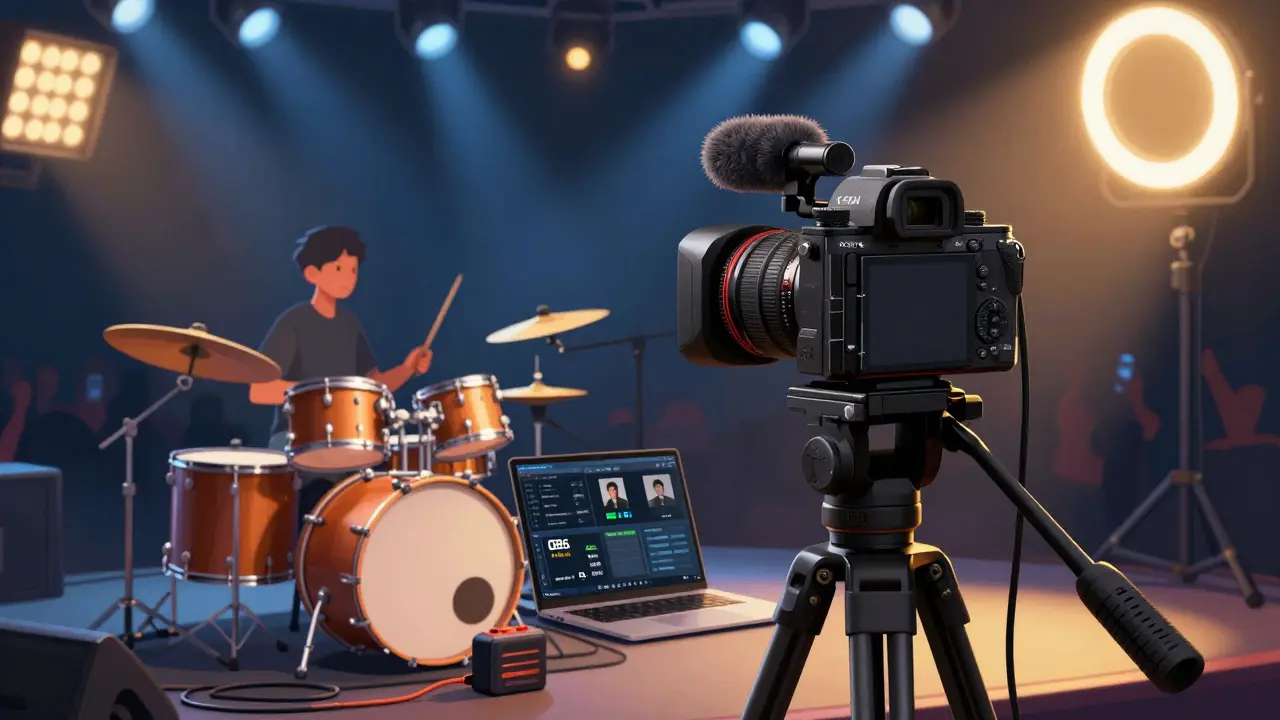
Free doesn’t mean zero equipment. You need hardware that can handle live video. A smartphone? Sure, it works. But if you’re streaming a full concert with multiple instruments, lighting, and crowd shots, you’ll want more.
These aren’t YouTube fees. These are production costs. And they add up fast. A decent streaming setup for a small band can cost $1,500-$3,000 upfront. But again-you’re not paying YouTube for the service.
YouTube doesn’t limit how long you can stream for free. You can go live for 12 hours straight. That’s enough for a full concert, encore, and post-show Q&A. But there’s a catch: your channel must be verified and have no recent policy violations.
Unverified channels can only stream up to 4 hours at a time. If your concert runs longer, you’ll need to restart the stream. That means cutting the feed, losing viewers, and risking technical glitches. For serious acts, verification is non-negotiable.
Also, YouTube automatically archives your live stream as a video on your channel. That’s great for later views-but if you’re streaming copyrighted music you don’t own, you risk a Content ID claim. That can mute your audio, block the video, or even take down your channel.
This is where most live concert streamers get burned.
Playing a cover song? You’re not breaking the law-but YouTube’s Content ID system doesn’t care. If your band plays “Bohemian Rhapsody,” “Uptown Funk,” or even a lesser-known indie track, the rights holder can claim your stream. In 2024, over 78% of music livestreams on YouTube received at least one copyright notice. Most were from small artists who didn’t realize they needed a license.
Here’s how to avoid it:
Some venues now require artists to prove they have music licensing before allowing a livestream. It’s becoming standard. Skipping this step isn’t just risky-it’s unprofessional.
You can’t run ads on your live concert stream unless your channel meets YouTube’s Partner Program requirements: 1,000 subscribers and 4,000 watch hours in the last year. Most new bands won’t hit that right away.
But you can still make money during the stream:
In 2025, indie artists who used Super Chats during live concerts earned an average of $287 per stream. That’s not a fortune-but it covers gear repairs, studio time, or even next month’s rent.
YouTube’s free plan doesn’t include:
If you want professional features, you’ll need third-party tools. StreamYard and Restream.io offer free tiers, but advanced features like multi-platform streaming or custom branding cost $15-$40/month. Again, these aren’t YouTube fees-they’re upgrades.
In Wellington, a local indie band called The Harbour Lights streamed their first live concert on YouTube in late 2024. They used a smartphone mounted on a tripod, a $120 USB microphone, and OBS Studio. No lights. No backup internet. Just a garage, two amps, and a $0 budget.
They got 1,800 live viewers. Two songs triggered copyright claims. One was muted. The other stayed up but lost monetization. They made $142 from Super Chats. They spent $0 on YouTube. But they spent $200 on a new mic and a $50 license for their cover of “Hallelujah.”
Was it free? Technically, yes. Was it easy? No. Was it worth it? Absolutely.
YouTube doesn’t charge you to stream live concerts. But the real cost isn’t on YouTube’s invoice. It’s in your gear, your time, your legal prep, and your understanding of copyright. If you treat it like a backyard jam session, you’ll get lucky. If you treat it like a professional show, you’ll build an audience-and maybe even make a living.
Start free. Stay legal. Upgrade smart. And never assume ‘free’ means ‘no work.’

Christina Morgan
Just streamed my band’s backyard gig last weekend using my iPhone and a $50 mic. Got 300 viewers, two copyright flags, and $87 in Super Chats. YouTube didn’t charge me a cent-but my neighbor did complain about the bass. Worth it.
Still can’t believe people think ‘free’ means ‘no effort.’
Kathy Yip
i was just wondering… if you play a cover, even if you license it, does youtube still sometimes mute it anyway? like, is the system just broken or is it me?
also, why do i feel like im being punished for loving music?
Bridget Kutsche
Hey, if you’re just starting out, don’t get discouraged by the tech stuff. I’ve helped 12 local bands set up live streams with under $500 total. Use OBS, a USB mic, and a power bank. You don’t need a Sony A7 IV to connect with people.
And yes-license your covers. It’s not expensive, and it saves your stream from getting ghosted. You’ve got this.
Also, super chats are magic. People want to support you. Just ask.
Jack Gifford
Can we talk about how everyone acts like YouTube’s free tier is some kind of miracle? It’s not. It’s a trap. They want your content, your engagement, your data. They don’t care if you get muted. They don’t care if your stream crashes. They just want you to keep streaming so their ads can ride along.
And yeah, you’re paying-with your time, your creativity, your emotional labor. That’s the real cost.
Sarah Meadows
US artists are getting played. YouTube’s ‘free’ model is a Trojan horse for global exploitation. Foreign labels own the rights to 80% of the songs you’re playing. They monetize your sweat while you get zero. Meanwhile, Chinese and Indian streamers use pirated gear and get paid out by Alibaba-backed platforms. This isn’t fair. We need protection.
Stop celebrating ‘free’-start demanding justice.
Nathan Pena
The premise of this entire article is dangerously naive. ‘Free’ is a marketing term designed to extract value from creators who lack bargaining power. The fact that you can stream without paying YouTube is irrelevant-you’re paying in attention economy tax, copyright risk, and psychological burnout.
And let’s not pretend 1080p60 is ‘professional.’ If your production doesn’t rival broadcast TV, you’re not a musician-you’re a content farmer.
Also, ‘Hallelujah’? Really? That’s the cover you chose? You’re lucky it wasn’t muted immediately.
Mike Marciniak
YouTube is owned by Google, which is owned by Alphabet, which is owned by the same people who run the surveillance state. Every stream you make is being analyzed for your emotional state, your audience demographics, your political leanings. They’re building a behavioral map of every musician on this platform.
And they’re selling it. Don’t be fooled by ‘free.’ You’re the product.
VIRENDER KAUL
It is a fundamental misunderstanding to assume that because no monetary transaction occurs between the creator and YouTube, the activity is without cost. The hidden costs are systemic, structural, and often irreversible. The copyright regime is not a flaw-it is the feature. The platform is designed to extract intellectual property without compensation.
Furthermore, the reliance on consumer donations is a form of neo-liberal exploitation. The artist becomes a beggar in the digital agora.
Mbuyiselwa Cindi
Just want to say-this post saved my life. I’m in Cape Town, no budget, but I streamed my acoustic set last Friday with a laptop mic and a free OBS preset. Got 120 viewers from Germany and Japan. One guy sent me R200 via Ko-fi. I bought a new cable today.
You don’t need fancy gear. You just need to hit ‘Go Live.’ And yes, license your covers. I used Easy Song Licensing. Took 10 minutes. Worth it.
You’re not alone. Keep going.
Krzysztof Lasocki
So let me get this straight-we’re applauding a platform that lets you stream for free… while quietly stealing your soul, your music, and your future earnings?
And we call this ‘empowerment’?
Bro. You’re not a musician. You’re a free content generator for a trillion-dollar corporation.
But hey-at least you got $142. Congrats. Now go buy a new amp. And maybe a therapist.