

You love live shows. You’ve got a growing collection of Grateful Dead jams, Phish sets, and Dave Matthews Band performances from Nugs.net. But what happens when you’re on a long flight, hiking without signal, or just tired of buffering? Can you listen to Nugs offline? The short answer is: yes-but not the way you might think.
Nugs.net isn’t a music streaming service like Spotify or Apple Music. It’s a live concert archive built for die-hard fans. Every show you hear is a real recording-often from the soundboard, sometimes from audience tapes. These aren’t studio tracks. They’re raw, unedited, and sometimes 90 minutes long. That’s why Nugs.net doesn’t just let you download everything like a YouTube video.
The platform streams content through its website and mobile app. It uses DRM (Digital Rights Management) to protect recordings. That means you can’t just right-click and save a file. But there’s a legal, official way to take your favorite shows with you-no hacks needed.
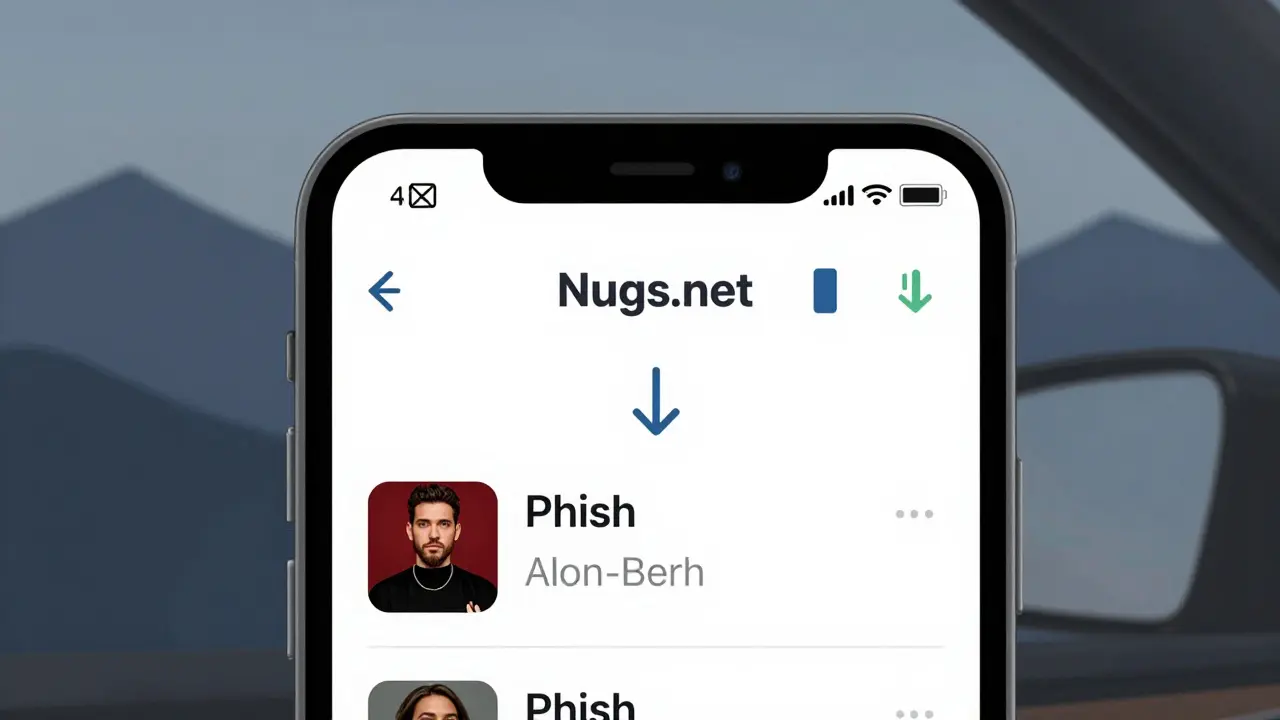
To listen to Nugs offline, you need to use the official Nugs.net app. It’s available on iOS and Android. The feature is called Download for Offline, and it’s built right into the player. Here’s how it works:
Each downloaded show stays on your device until you delete it. There’s no limit to how many you can save, as long as you have storage space. A typical 90-minute show takes up about 300-500 MB, depending on quality.
Some fans expect to export files as MP3 or FLAC. That’s not possible. Nugs.net doesn’t give you downloadable files you can move to your computer or transfer to another device. The downloads are locked to your account and device. If you log out, switch phones, or uninstall the app, you’ll lose access unless you re-download.
This isn’t a flaw-it’s by design. The labels and artists who own these recordings only allow streaming and limited offline access. They don’t want bootlegs floating around. So while you can’t burn a CD from Nugs, you can carry your entire live collection in your pocket.
The offline downloads use the same audio quality as streaming. That means:
You can’t choose between FLAC and AAC. Nugs.net doesn’t offer lossless downloads, even for offline. If you’re chasing studio-grade audio, you won’t find it here. But for live shows? The quality is excellent. Most fans can’t tell the difference on earbuds.
Storage-wise, 10 full shows will use about 3-5 GB. That’s less than one HD movie. If you’re a heavy user, keep an eye on your phone’s storage. The app doesn’t auto-delete old downloads, so you’ll need to manage them manually.
Nugs.net requires a paid membership to access most shows. The free tier only lets you hear short clips. If you cancel your subscription, here’s what happens:
This is a common point of confusion. People think once they download, it’s theirs forever. But Nugs.net treats downloads like a temporary license. It’s not a purchase. It’s access tied to your active membership.
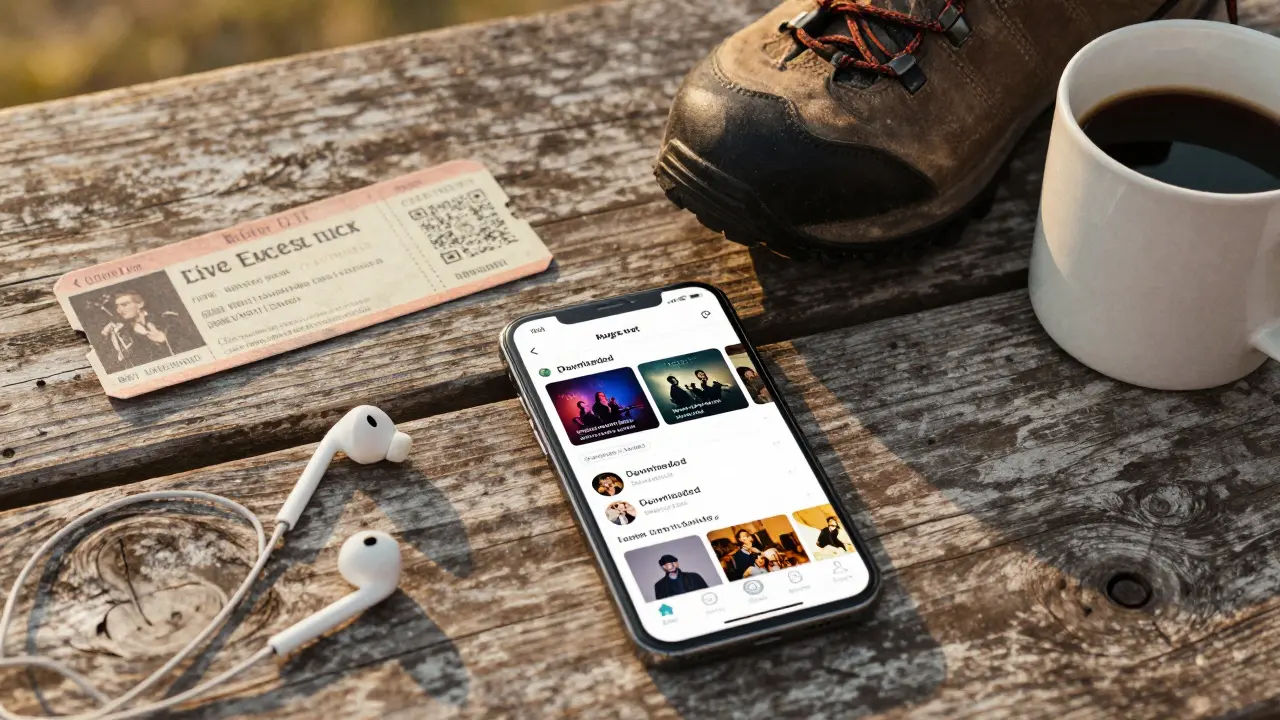
If you’re serious about listening offline, here are a few tips:
Live music is about memory. A Phish show from 2003 isn’t just audio-it’s a time capsule. A Grateful Dead set from Alpine Valley? That’s where you met your best friend. Nugs.net lets you carry those moments with you. Not as files you own, but as experiences you can revisit anytime, anywhere.
That’s the real value. You’re not just listening to music. You’re keeping a piece of your life alive.
No. Offline downloads are only available through the Nugs.net mobile app on iOS and Android. The website lets you stream, but doesn’t offer a download button for desktop users. If you want to listen offline, you need to use your phone or tablet.
Yes, but only if your subscription ends. Once downloaded, the shows stay playable as long as your membership is active. If you cancel, you’ll have 30 days to listen before the files lock. After that, you’ll need to renew to regain access.
No. The downloaded files are tied to your account and device. You can’t copy them to another phone, upload them to cloud storage, or send them via Bluetooth. This is enforced by DRM. Sharing would violate Nugs.net’s terms of service.
There’s no hard limit from Nugs.net. You can download as many as your device’s storage allows. A typical 90-minute show takes up 300-500 MB. Most phones can hold 50+ shows without issue. Just keep an eye on your storage space.
You’ll lose all your downloaded shows. The files are tied to the device, not your account. When you get a new phone, sign in to the Nugs.net app and re-download the shows you want. It’s quick, but you’ll need to do it manually.


anoushka singh
I just downloaded three Phish shows last night and forgot to turn off cellular data. My phone screamed at me for using 1.2 GB in 10 minutes. Never again. Wi-Fi only, folks. Or just... don't be me.
Sandeepan Gupta
The 30-day grace period after subscription lapse is actually pretty fair. I’ve had my phone die mid-trip before and lost everything. Re-downloading is a pain, but at least I didn’t lose the memory. This isn’t piracy - it’s preservation.
Madhuri Pujari
Oh wow. So you’re telling me I paid $70 a year for a glorified cache that vanishes if I breathe wrong? And they call this 'access'? This isn't a service - it's a rental agreement with emotional manipulation. Next they'll charge me to *remember* the show I heard in 2007.
Tarun nahata
You’re not buying music. You’re buying a time machine. One that fits in your pocket. One that lets you relive that rainy night at Red Rocks when the whole crowd sang 'Dark Star' like it was a hymn. That’s worth more than any MP3 ever will.
Jitendra Singh
I’ve been using Nugs for 8 years. Downloaded over 200 shows. Lost my old phone once. Re-downloaded everything in 2 days. It’s tedious, yeah. But the music? Worth every minute. Just don’t expect to back it up. It’s not yours. It’s yours... for now.
Aryan Jain
They don’t want you to own it. They’re scared. What if people start sharing? What if someone uploads a bootleg of a 1974 show and it goes viral? Then the whole system collapses. This isn’t DRM - it’s control. And it’s working.
Nalini Venugopal
Just a quick note: you said 'AAC' twice but didn't clarify it's not lossless. Also, '320 kbps AAC' is technically not 'high quality' by audiophile standards - but for live shows? Totally fine. You're good.
Aditya Singh Bisht
If you're serious about live music, stop thinking about files and start thinking about moments. I’ve got a 2001 Dave Matthews set on my phone that I play every time I’m stressed. It’s not about storage. It’s about soul. Download. Listen. Breathe.
Pramod Usdadiya
I just want to say thank you for this guide. I been using nugs for years but never knew about the down arrow. I thought it was just a play button. My bad. Now I have 14 shows on my phone. Life is better.