Setting up a live concert stream isn’t just about pointing a camera at the stage. If you’ve ever tried it before, you know how quickly things can go wrong-audio cutting out, video freezing, or worse, the whole stream crashing right when the band hits their biggest chorus. It’s frustrating, and it’s avoidable. With the right gear, planning, and a few simple rules, you can deliver a professional live stream that feels like being right there in the front row.
Know Your Goal Before You Plug In
Before you touch a cable, ask yourself: who is watching, and what do they need? Are you streaming for fans who can’t make the show? For promoters looking to sell tickets to future events? Or for a label testing audience engagement? Your goal changes everything.
If you’re streaming a small indie gig in a basement, you don’t need a 4K camera rig. But if you’re streaming a sold-out show at a venue with 2,000 people, you need redundancy. Always plan for at least two backup paths: one for video, one for audio. One stream going down shouldn’t mean the whole show dies.
Essential Gear: What You Actually Need
Forget the fancy marketing videos showing 12 cameras and drones. Here’s what works in the real world:
- Camera: One high-quality HD camera (like a Sony ZV-E10 or Canon EOS R5) is enough for most small to mid-sized venues. Mount it on a stable tripod. Don’t use a shaky handheld shot unless you’re going for a raw, fan-film vibe.
- Audio: This is where most streams fail. Don’t rely on the camera’s built-in mic. Use a mixer like the Zoom F4 or a simple USB audio interface (like the Focusrite Scarlett 2i2) to plug in direct outputs from the soundboard. If you can’t get a direct feed, use two external mics-one near the stage, one in the crowd-to capture both the music and the energy.
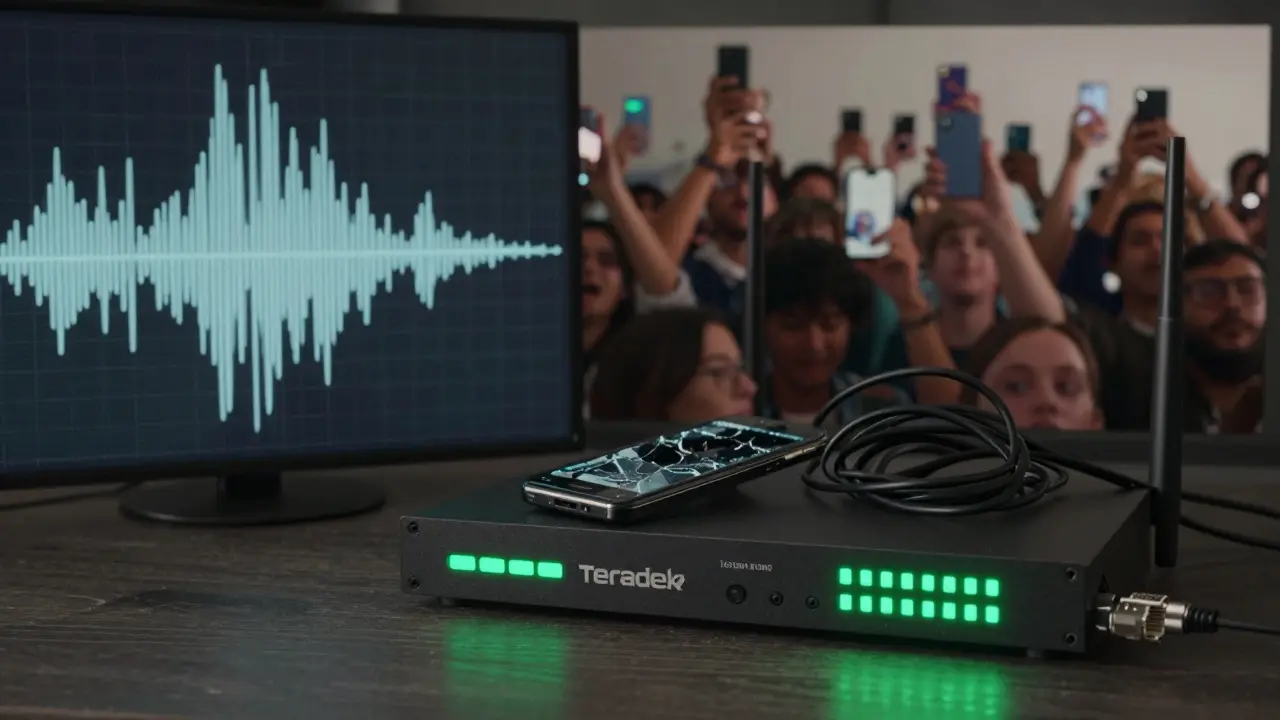
- Encoder: You need something to turn your video and audio into a stream. A hardware encoder like the Teradek Vidiu or a software encoder like OBS Studio (free) works fine. OBS is powerful but needs a decent laptop. Don’t try to run it on an old MacBook from 2018.
- Internet: Upload speed is everything. You need at least 10 Mbps upload for 1080p30. For 1080p60, aim for 20 Mbps. Test your connection with Speedtest.net the day before. If you’re using Wi-Fi, switch to Ethernet. Always have a backup hotspot ready-preferably from a different carrier.
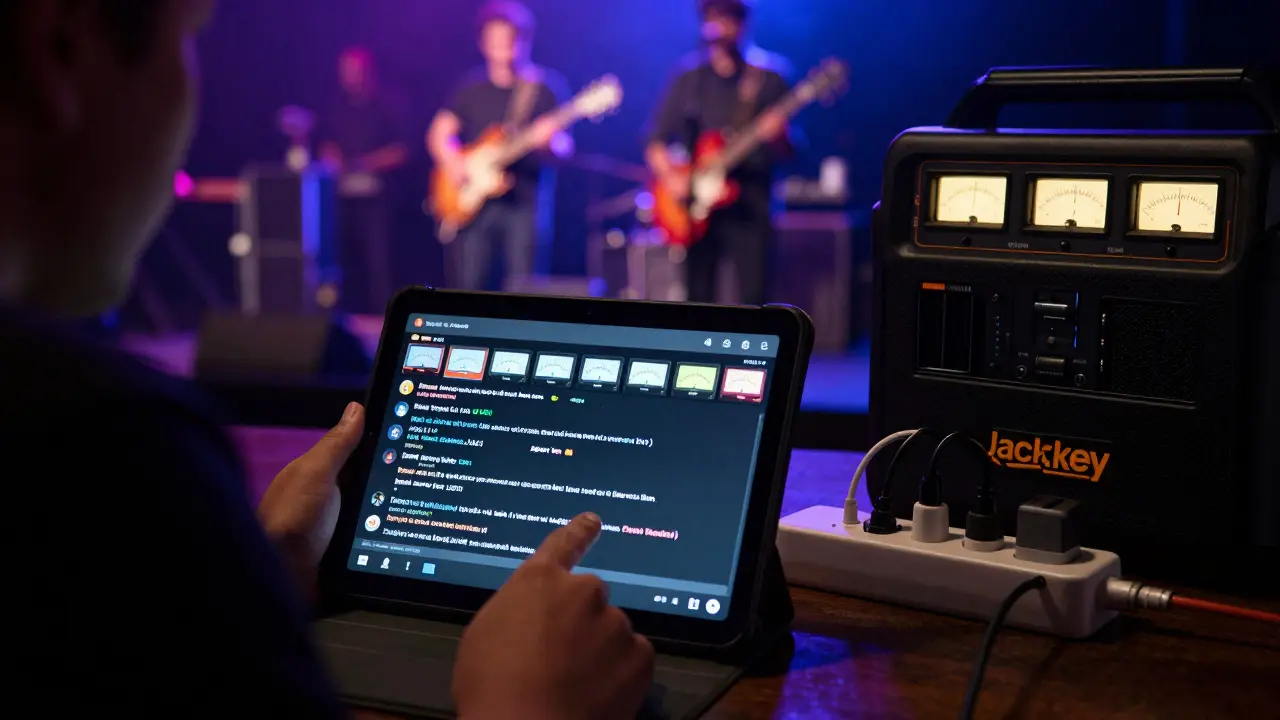
- Power: Bring extra batteries and power strips. If you’re streaming outdoors, bring a portable power station like a Jackery 1000. No one wants to hear the crowd cheer… then silence as your camera dies.
Choose the Right Platform
Not all platforms are built the same. Here’s what works for live music:
- YouTube Live: Best for reach. It handles high-quality streams well, supports multiple camera angles, and fans can easily share. You can also monetize with Super Chats if you’re eligible.
- Facebook Live: Great for fan engagement. Comments show up instantly, and it’s easy for older fans to join. But video quality can drop if the connection is shaky.
- Twitch: Popular with younger audiences and niche genres like metal, EDM, or indie. It has strong community tools and better chat moderation.
- Private platforms (Vimeo Live, StreamYard): If you’re selling tickets or want to keep the stream exclusive, these give you control over who sees it. Vimeo supports 4K and has no ads.
Don’t stream to all platforms at once unless you have the bandwidth and two separate encoders. Most people start with one-YouTube is the safest bet.
Test, Test, Test
You wouldn’t let a band play without a soundcheck. Don’t stream without a tech check.
Do this at least 24 hours before the show:
- Set up your camera, mic, and encoder exactly as you will on event day.
- Connect to your chosen platform and start a private stream.
- Play music through your sound system at concert volume. Watch for audio clipping or latency.
- Check your upload speed again. If it drops below 8 Mbps, you need a better connection.
- Ask a friend to watch the stream on their phone, tablet, and laptop. Ask: Is the audio clear? Does the video stay in sync? Is there a delay?
If you notice a 2-3 second delay between the music and the video, you’re not alone. That’s normal. But if the delay jumps around or the audio cuts out, fix it before showtime.
On the Day: Keep It Simple
The night before, write down your checklist. Stick to it. Here’s what to do on event day:
- Arrive early. Set up everything at least 3 hours before the show.
- Label every cable. Use colored tape: red for audio, blue for video, green for power.
- Have a backup battery for your encoder and camera.
- Assign someone to monitor the stream on a second device. They should watch for chat comments, technical issues, and be ready to restart if needed.
- Don’t touch anything once the show starts. If something breaks, don’t panic. Have a pre-recorded 30-second loop (like a band logo with music) ready to play while you fix it.
And here’s a secret: most fans don’t care if the video isn’t perfect. They care if they can hear the singer clearly and feel the crowd’s energy. Prioritize audio over video. A grainy stream with crystal-clear vocals beats a 4K video with muffled bass.
What to Avoid
Here are the biggest mistakes people make:
- Using phone apps to stream: They’re unreliable. Phones overheat, drain batteries fast, and have no control over audio input.
- Streaming without a backup internet: If your venue’s Wi-Fi is slow or unstable, you’re asking for trouble. Always have a 4G/5G hotspot.
- Ignoring the soundboard: The PA system is your best friend. Get a direct feed from the mixer. If the sound engineer says no, ask why. Most are happy to help if you ask nicely.
- Going live without a plan B: What if the camera falls? What if the power goes out? Have a backup plan written down. Even if it’s just: “Call the band, play a pre-recorded track, restart stream.”
After the Stream
Don’t just shut everything off and walk away.
- Download the recording from your platform. YouTube and Vimeo let you download your own stream. Keep it for future edits or highlights.
- Check your analytics. How many people watched? Where did they come from? How long did they stay? That data helps you plan the next show.
- Reply to comments. Thank people for tuning in. A simple “We loved seeing you all there!” goes a long way.
- Send a thank-you note to your sound engineer, camera operator, and anyone who helped. They made it happen.
Live streaming a concert isn’t magic. It’s preparation. It’s knowing your gear. It’s having a backup for your backup. And most of all, it’s remembering that the music matters more than the pixels.
Do I need a professional camera to stream a concert?
No. A good HD camera like the Sony ZV-E10 or even a recent iPhone can work fine for small gigs. What matters more is stable lighting, clear audio, and a solid internet connection. Professional cameras help with low-light performance and manual controls, but they’re not required.
Can I stream a concert using only my phone?
You can, but it’s risky. Phones overheat during long streams, battery life drops fast, and you can’t control audio input properly. Most phone apps also compress video heavily, making it look blurry on big screens. Use your phone only as a last-resort backup.
How much upload speed do I need for a live concert stream?
For 1080p30 (standard HD), you need at least 10 Mbps upload. For 1080p60 (smoother motion), aim for 20 Mbps. For 4K, you’ll need 40 Mbps or more. Always test your connection the day before. If your upload is below 8 Mbps, you’ll likely buffer or drop frames during the stream.
Which platform is best for streaming live music?
YouTube Live is the most reliable for most users-it supports high quality, has global reach, and fans can easily share. Twitch is great for younger, niche audiences. Facebook Live is good for community interaction. If you’re selling tickets or want no ads, Vimeo Live is the cleanest option.
What should I do if my stream crashes during the concert?
Have a pre-recorded 30-second loop ready-like a band logo with music playing. Switch to it immediately while you reboot your encoder or reconnect. Tell your audience: “We’re having a quick tech issue-stay with us.” Most fans will wait if they know you’re fixing it. Never go silent.



Rakesh Kumar
This is gold. I streamed my cousin’s garage band last month and lost audio halfway through the chorus. I thought I was doomed. Then I remembered the soundboard tip - went back, begged the sound guy for a feed, and miraculously, it worked. Fans said it felt like they were right there. Turns out, audio isn’t just important - it’s everything.
Also, never trust Wi-Fi. I used my phone’s hotspot as backup and it saved me. Pro tip: label your cables. Red for audio, blue for video - I wish I’d known that sooner.
Bill Castanier
YouTube Live is the only platform worth using for live music. Everything else is a compromise. Audio sync issues on Facebook. Overcompressed video on Twitch. Vimeo is clean but inaccessible to casual fans. Stick with YouTube. It handles bandwidth fluctuations better than any other service. End of story.
Ronnie Kaye
Oh wow. You actually wrote a 2,000-word essay on how to not die during a livestream. I’m impressed. Most people just point a phone at the stage and pray to the internet gods.
But let’s be real - if your band is playing to 20 people in a basement, do you really need a Teradek Vidiu? Or are you just trying to justify buying gear you don’t need? I’ve seen guys with $5,000 rigs streaming to three viewers and a cat. It’s not a tech problem. It’s a delusion problem.
Ian Maggs
It’s fascinating, isn’t it? The way we’ve elevated live-streaming from a technical nuisance to a ritual of digital communion - yet still treat the fundamentals like optional extras. Audio? Redundancy? Backup power? These aren’t ‘tips’ - they’re prerequisites for human connection in an age of brittle infrastructure. And yet, we treat them like luxuries… as if the internet were a cathedral, not a leaky tent.
Also - yes, use Ethernet. Always. Wi-Fi is a social contract you didn’t sign.
Michael Gradwell
Phone streams? You’re kidding right? Anyone who uses their phone for a live concert deserves to get roasted by their own fans. No backup? No audio control? No idea what upload speed even means? You’re not streaming - you’re trolling your audience. Stop it. Just stop.
Flannery Smail
Yeah sure, ‘always have a backup internet.’ Great advice. Unless you’re in rural Montana where the only ‘hotspot’ is a guy on a motorcycle with a 4G router and a dog. I streamed a show once and the only internet was a dial-up connection from the gas station next door. We used a Walkman and a boombox. The stream was 30 seconds of silence and 2 hours of crowd noise. Fans loved it. Real talk: sometimes the mess is the magic.
Emmanuel Sadi
Let’s be honest - most of you are just trying to look cool. You think buying a Sony ZV-E10 makes you a ‘producer.’ It doesn’t. It makes you someone who spent $1,200 to fail in front of 87 people. You didn’t ‘save the show’ - you just delayed the inevitable. The band’s still bad. The venue still smells like sweat and regret. And your ‘professional stream’? It’s just a fancy way of broadcasting mediocrity.
Also - why do you think the sound engineer won’t give you a feed? Maybe because you’re the guy who broke their mixer last time. Just saying.
Nicholas Carpenter
I’ve done this a dozen times - small venues, no budget, no crew. The most important thing isn’t the gear. It’s the attitude. Be humble. Ask for help. Thank the sound guy. Bring extra batteries. Label your cables. And when something goes wrong - don’t panic. Just smile, say ‘we’re fixing it,’ and keep going. People remember how you made them feel - not how sharp your video was.
This guide is spot-on. Thank you for writing it.
Chuck Doland
One must acknowledge the epistemological foundation of live-streaming infrastructure: the confluence of technological reliability, human intentionality, and acoustic fidelity. The assertion that ‘audio matters more than video’ is not merely pragmatic - it is ontologically sound. Human perception prioritizes temporal coherence in auditory stimuli over visual resolution, particularly in emotionally charged contexts such as live musical performance.
Furthermore, the utilization of Ethernet over Wi-Fi is not a suggestion - it is a categorical imperative for signal integrity. One must also recognize that the use of a smartphone for professional-grade streaming constitutes a violation of the principle of adequate means to a necessary end.
Thank you for this meticulously constructed exposition.
Madeline VanHorn
I mean… if you’re using OBS, you’re already doing it wrong. Real producers use Streamlabs. And if you’re not using 4K, you’re basically saying you don’t respect your fans. Also, why are you even streaming if you’re not on YouTube? Everything else is for losers.
Jen Becker
Everyone’s acting like this is rocket science. It’s not. It’s just a bunch of people overcomplicating something that should be simple. I once streamed a show with my phone, a Bluetooth mic, and a power bank. The video was shaky, the audio was tinny, and the whole thing glitched twice. But my best friend cried when she heard her favorite song. That’s all that matters.