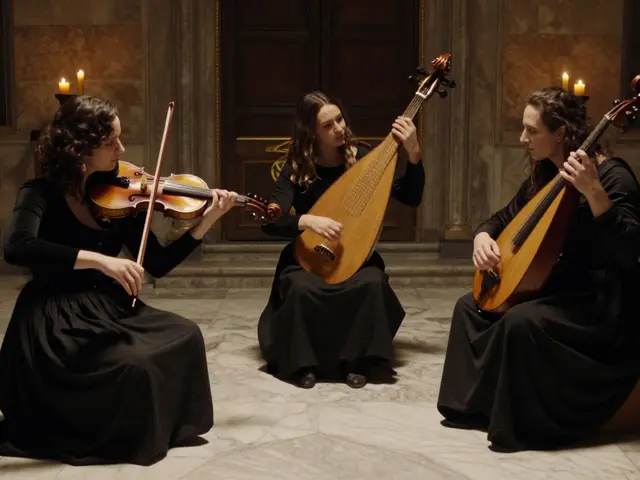
Streaming a private event live isn’t just about hitting "go live" on your phone. If you’re hosting a wedding, a surprise birthday party, a family reunion, or a small live concert in your backyard, you need more than a smartphone and a Wi-Fi password. You need control, quality, and privacy - all at the same time. And yes, it’s totally doable without spending thousands or hiring a production crew.
Know what you’re really streaming
Not all private events are the same. A backyard concert with three musicians and 30 guests needs a different setup than a 100-person wedding with a full band, lighting, and multiple camera angles. Start by asking:
What’s the goal? Are you trying to let distant relatives feel like they’re there? Are you selling tickets to a select group? Or just keeping it intimate with a few close friends watching on Zoom?
If it’s a live concert, think about sound. A guitar and vocals might work with a single USB microphone and your phone’s built-in mic. But if you’ve got drums, bass, and a PA system? You’ll need an audio interface, separate mics, and a mixer. Most people skip this step and end up with a video that looks great but sounds like it was recorded in a tin can.
Choose your platform - privacy first
You can’t just use TikTok Live or Instagram Live for a private event. Those are public by default. Even YouTube Live isn’t safe unless you set it to "unlisted" - and even then, someone could share the link. For true privacy, use platforms built for private streaming:
- StreamYard - lets you invite guests via link, control who can speak, and stream to multiple platforms at once. You can password-protect the stream.
- Vimeo Livestream - offers password protection, domain restriction, and encrypted viewing. Great for musicians who want to sell tickets or limit access.
- Zoom Webinars - not ideal for high-quality audio, but perfect for small gatherings. You can record it and share later.
- Restream - if you want to broadcast to YouTube, Facebook, and Twitch simultaneously, but keep it private with invite-only links.
For a private concert, I’ve seen bands use Vimeo Livestream with ticket links sent only to email lists. No one else can find it. No ads. No algorithm pushing it to strangers. Just the people you invited.
Set up your gear - no fancy studio needed
You don’t need a $10,000 rig. Here’s what actually works for most small events in 2026:
- Camera: A modern smartphone (iPhone 15 or Samsung S24) in landscape mode is enough. Use a tripod or prop it on a stack of books. Don’t hold it - shaky video kills immersion.
- Audio: For acoustic sets, use a Rode Wireless GO II or DJI Mic 2. Plug it directly into your phone. For louder bands, use a Zoom H6 recorder with two XLR mics - one on the lead vocal, one on the amp. Then connect the H6 to your phone via USB-C or Lightning adapter.
- Lighting: Natural light is best. Set up facing a window. If it’s evening, use two softbox lights or even LED work lights from Bunnings. Avoid harsh overhead lights - they create shadows on faces.
- Internet: Wi-Fi isn’t enough. Use a wired Ethernet connection to a router, or get a 5G hotspot with a strong signal. Test your upload speed. You need at least 10 Mbps for 1080p. Run a speed test on Speedtest.net right before the show.
Pro tip: Put your phone on airplane mode during the stream. This stops notifications from popping up and draining battery or interrupting the feed.
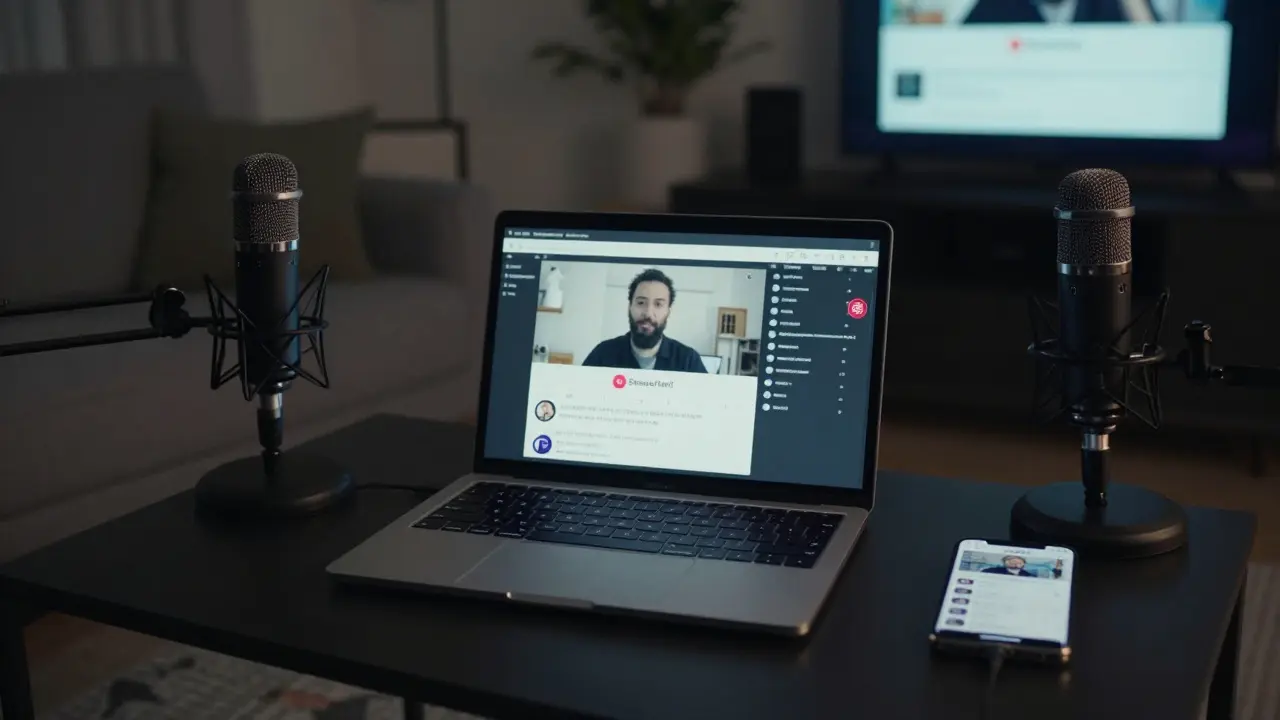
Test everything - twice
Don’t wait until showtime. Do a dry run at least 24 hours before. Invite two friends to watch. Ask them:
- Can you hear the vocals clearly?
- Is the camera focused on the right person?
- Is the video smooth, or does it freeze every 10 seconds?
- Can you tell who’s playing the drums?
Most failures happen because someone assumed the mic would pick up everything. It won’t. If the bassist is off to the side and you’re only pointing the camera at the singer, you’ll miss half the performance.
Also test your platform’s privacy settings. On Vimeo, make sure "Allow downloads" is turned off. On StreamYard, check that "Allow viewers to share stream" is disabled. These settings are easy to miss.
Manage your audience - keep it controlled
Private doesn’t mean silent. You need to manage who’s watching and how they interact.
- Send the link via email or encrypted messaging (Signal or WhatsApp), not public social media.
- If you’re charging, use PayPal or Stripe with a custom link. Don’t use public ticketing sites like Eventbrite - they make events searchable.
- Use a password. Even if the platform supports it, add one extra layer. Example: "The password is the year your cousin was born."
- Assign one person to monitor the chat. If someone posts "Can I share this?", shut it down fast.
One band I worked with in Wellington had 47 people tune in. Two tried to screenshot and post clips. They’d already sent the link to 100 people. Only 47 had the password. The rest got a 404 error. That’s how you keep it private.
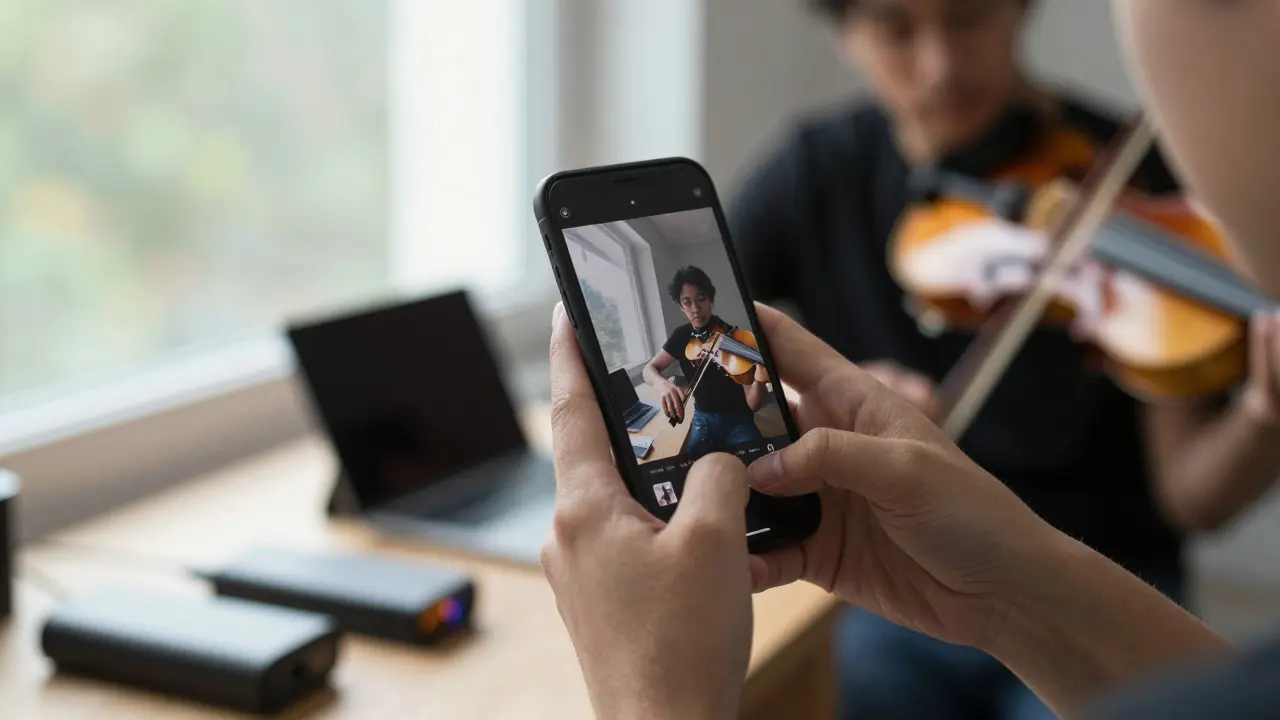
Record it - even if you’re streaming live
Live streaming can glitch. Internet drops. Someone unplugs the mic. Always record locally, too.
- Use your phone’s built-in screen recorder (iOS or Android) to capture the feed as it streams.
- Or, connect your camera or audio interface to a laptop and record with OBS Studio (free). It’s more complex, but gives you a professional-quality backup.
After the show, you can edit the best moments and send a private link to guests who missed it. Or turn it into a paid download for fans who want to keep the memory.
What not to do
Here are the biggest mistakes people make:
- Using Facebook Live without privacy settings - your event becomes public within hours.
- Streaming from a crowded Wi-Fi network - your neighbor’s Zoom call can kill your upload speed.
- Forgetting to mute your phone - a notification sound during a quiet ballad ruins the mood.
- Trying to do everything yourself - if you’re performing, don’t also run the camera, monitor chat, and handle payments.
- Not having a backup plan - if the internet dies, have a phone ready to switch to mobile hotspot.
One couple in Auckland tried to stream their daughter’s first solo violin recital on YouTube Live. They didn’t set it to unlisted. By the next day, 2,000 people had watched. Some commented: "Who is this girl? She’s amazing!" - but they didn’t know she was only 12 and it was a family-only event. The parents were horrified. They had to delete the video and start over.
Final checklist before you hit go live
Do this 30 minutes before your event:
- Test internet upload speed - minimum 10 Mbps for 1080p.
- Charge all devices - phone, mic, camera, hotspot - and bring power banks.
- Confirm privacy settings on your streaming platform - password, unlisted, no sharing.
- Send the link and password to guests via encrypted message.
- Have a backup recording device running.
- Assign one person to monitor chat and handle tech issues.
- Turn off all notifications on your phone.
- Do a 2-minute sound check with everyone playing.
If you do this right, your private event won’t just be streamed - it’ll be remembered. Not because it was perfect, but because it felt real. Like everyone who watched was right there in the room with you.
Can I stream a private concert on YouTube without it being public?
Yes, but only if you set it to "unlisted." That means no one can find it through search or suggestions - but anyone with the link can watch. For true privacy, use Vimeo Livestream or StreamYard with password protection. YouTube’s unlisted option still allows downloads and screen recording, so it’s not fully secure.
Do I need a professional camera to stream a private event?
No. Modern smartphones like the iPhone 15 or Samsung S24 record in 4K and handle low light better than most entry-level cameras. The key is stability - use a tripod. Lighting and audio matter more than the camera brand. A phone with good mic placement and soft lighting will look better than a DSLR in a dark room with harsh lighting.
How do I prevent people from recording and sharing my private stream?
You can’t fully stop screen recording - that’s a hardware limitation. But you can discourage it. Use a watermark with your name or event date. Set a password. Only send the link to trusted people. And remind guests in the invite: "This stream is for personal use only. Sharing is not allowed." Most people respect that. If someone breaks it, you can legally ask them to take it down.
What’s the cheapest way to stream a private concert?
Use your phone, a $50 Rode Wireless GO II mic, and StreamYard’s free plan. Connect the mic to your phone, open StreamYard, set the stream to private, and share the link. That’s under $100 total. If you already own a phone and a tripod, it’s almost free. The real cost is your time - do a test run so nothing goes wrong live.
Can I stream to multiple platforms at once for a private event?
Yes, but only if you use a service like Restream or StreamYard. You can broadcast to YouTube, Facebook, and Twitch simultaneously - but you must set all of them to private or unlisted. Never use public settings on any platform. If one platform is public, your entire stream becomes public.
What internet speed do I need for a smooth live stream?
For 1080p HD, you need at least 10 Mbps upload speed. For 4K, aim for 25 Mbps. Most home internet plans have slower upload than download - check your plan. If your upload is under 5 Mbps, you’ll get buffering. Use a wired connection or a 5G hotspot. Test your speed with Speedtest.net right before the show.
Should I charge people to watch my private concert stream?
If it’s a small, personal event - no. But if you’re a musician and this is part of your income, then yes. Use PayPal or Stripe with a custom link. Don’t use public ticketing sites. Charge $5-$15 per viewer. Offer a recording download afterward. Many fans will pay to support you - especially if they couldn’t be there in person.
How far in advance should I plan a private live stream?
At least two weeks. Book your gear, test your setup, send invites, and confirm guest access. If you’re selling tickets, give people 7-10 days to pay. Last-minute streaming leads to mistakes. The best events are the ones you planned quietly, not the ones you rushed.